Bring Your Anime Art To Life.
Discover how to enhance blurry, low-resolution anime illustrations into stunning high-definition artwork while preserving the original character design, artistic style and visual identity.
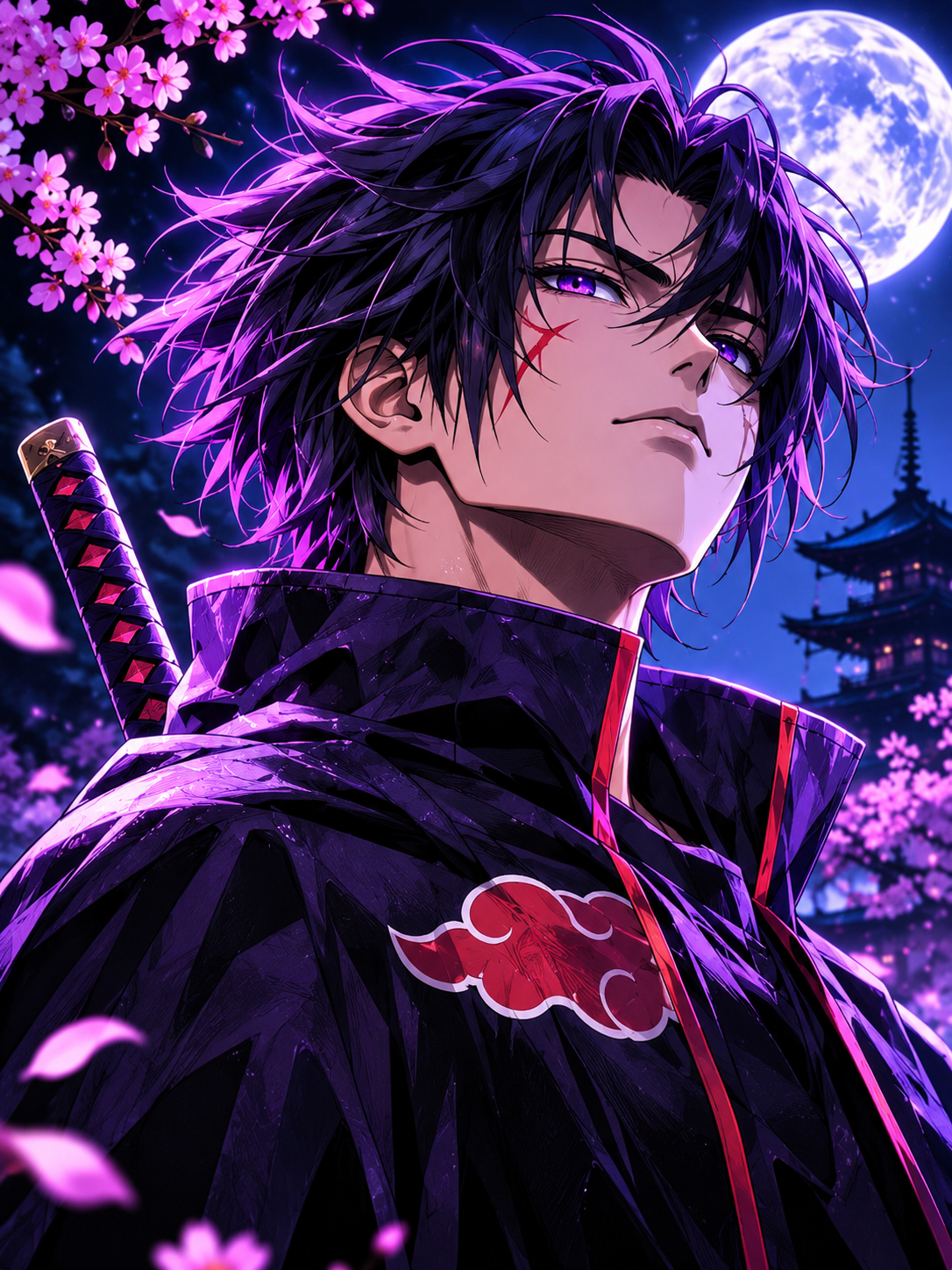
More detail. More clarity. Same character.
Better quality. Same anime identity.
Anime illustrations are full of artistic details: expressive eyes, carefully designed hairstyles, distinctive linework, vibrant colors and unique character proportions. Unfortunately, compression, resizing and low resolution can destroy these details. AI image enhancement can help recover clarity and visual quality, but the challenge is preserving the original artwork instead of redesigning it. This guide provides a dedicated prompt designed to improve anime images while respecting their original artistic identity.
Every detail matters.
The goal isn't to create a different character. It's to improve the quality of the artwork you already love.
Expressive Eyes
Improve eye definition, iris details, highlights and original anime expressions.
Clean Linework
Recover crisp outlines, refined edges and clean illustration details.
Original Colors
Preserve the original palette, shading, atmosphere and anime color grading.
Hair Details
Enhance individual anime hair strands, highlights and original hairstyle shapes.
Visual Clarity
Reduce compression artifacts, blur, unwanted noise and pixelation.
Anime Aesthetic
Maintain the original anime, manga, cel-shaded or illustrated appearance.
Before & After.
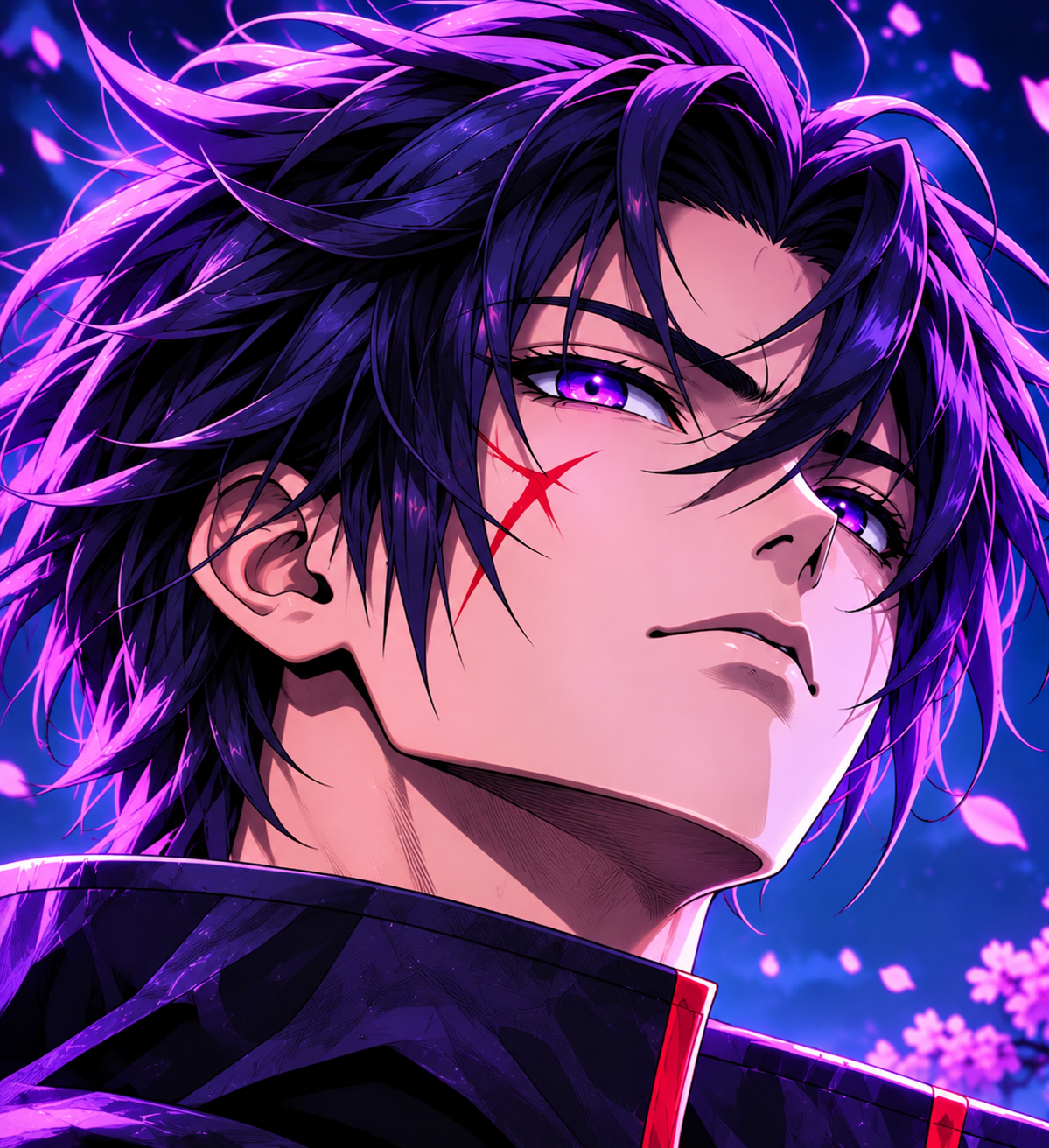
Compare an original anime image with its enhanced version. Drag the slider to reveal the difference.
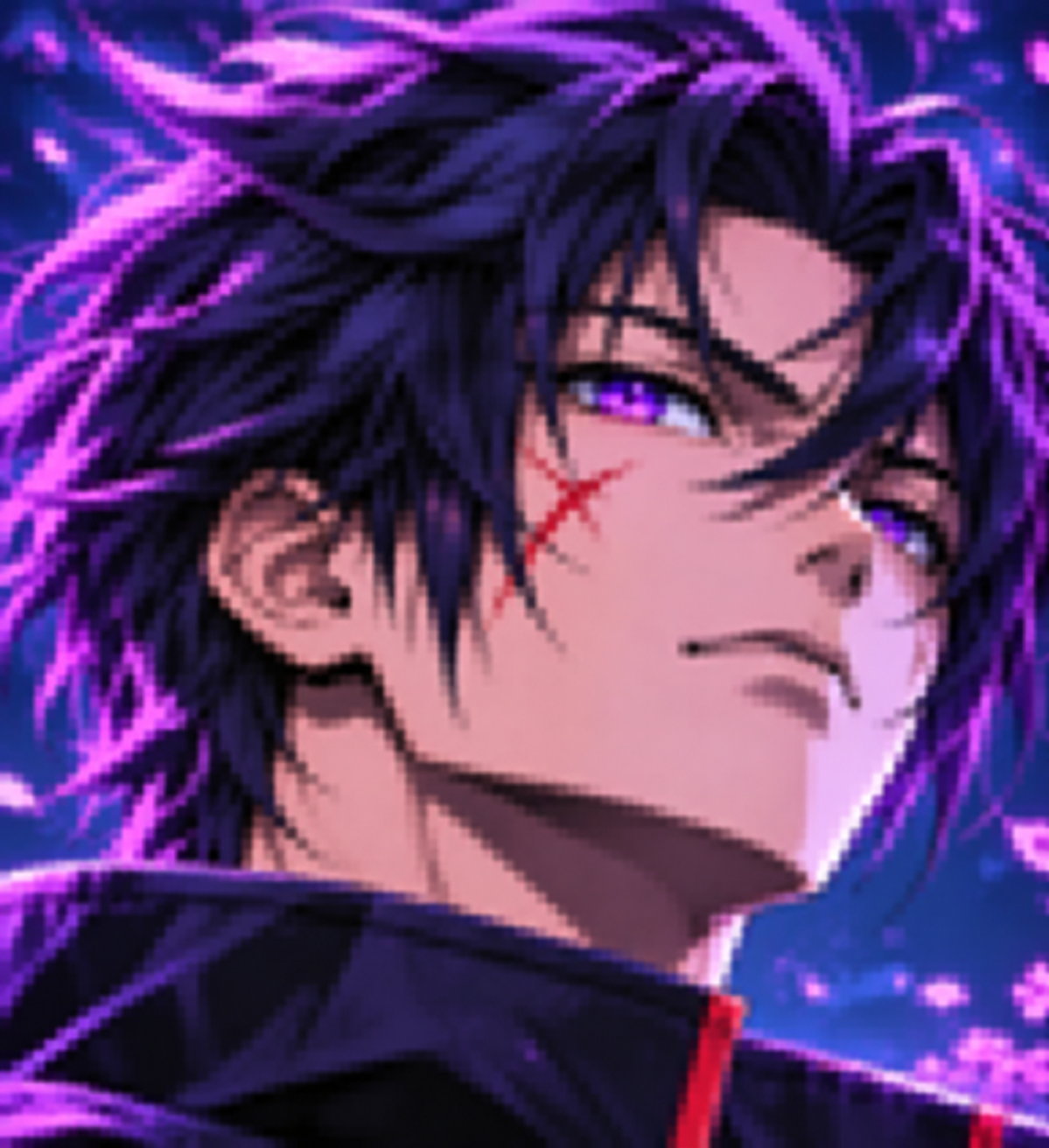
 ORIGINAL
ENHANCED
Drag left or right to compare the artwork.
How to use the prompt.
Follow these four steps to enhance your anime artwork.
Choose your image
Upload your original anime illustration, manga artwork or character image.
Copy the prompt
Copy the anime-specific enhancement prompt from the section below.
Enhance with AI
Paste the prompt into an AI image editor that supports image references.
Review your result
Check the character identity, linework, colors and composition before saving.
The ultimate Anime Enhancement Prompt.
Copy this prompt and use it with your original anime image. It prioritizes image quality while preserving the original artwork.
Get the best results.
✦ Start with the best source image
Use the highest-quality original available. Enhancement tools cannot reliably reconstruct every detail that has been completely lost.
✦ Use image-reference editing
Choose an AI tool that accepts an uploaded image as its reference. Text-only generation may create a different character.
✦ Avoid unnecessary changes
Keep the prompt focused on restoration and refinement rather than asking the AI to add new details or redesign the character.
✦ Check the final artwork
Compare the result with your original to ensure that the face, proportions, colors and artistic identity remain consistent.
Frequently asked questions.
Will this prompt change my anime character?
The prompt is designed to prioritize character preservation. However, AI tools can still introduce small differences. Always compare the output with your original image.
Can I use this prompt with manga illustrations?
Yes. It is designed to adapt to anime, manga-inspired illustrations, cel-shaded artwork and other illustrated styles while preserving their original visual characteristics.
Will the prompt turn my anime image into realistic photography?
No. It explicitly instructs the AI to preserve the original illustration style and avoid photorealistic conversion.
Can I use this prompt for low-resolution images?
Yes. It is intended for low-resolution and blurry artwork. Results depend on the original image quality and the AI tool used.
Which AI image tool should I use?
Use an image-editing or image-to-image AI tool that supports reference images and detailed editing instructions. Different platforms may interpret the same prompt differently.
Your favorite anime. A whole new level of detail.
Explore anime-inspired products, artwork and creative ideas with Eiki Matjar.
EXPLORE EIKI MATJAR ↗